记录下 Redmi AX6 扩容刷机过程
前情提要
前段时间刷机,因为官方文档的问题,我把路由刷成砖了。
然后尝试了 ttl 救砖,一开始能进 uboot ,后来因为刷错了,导致 uboot 也挂了。
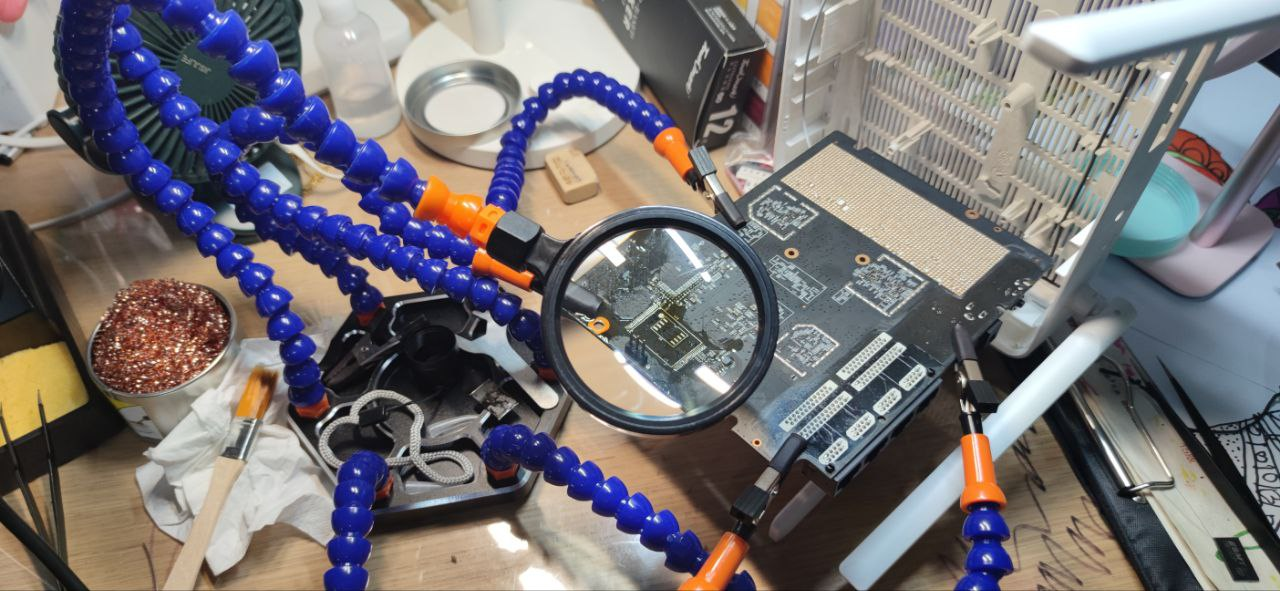
最后买了热风枪和编程器,拆焊后,用编程器刷固件。

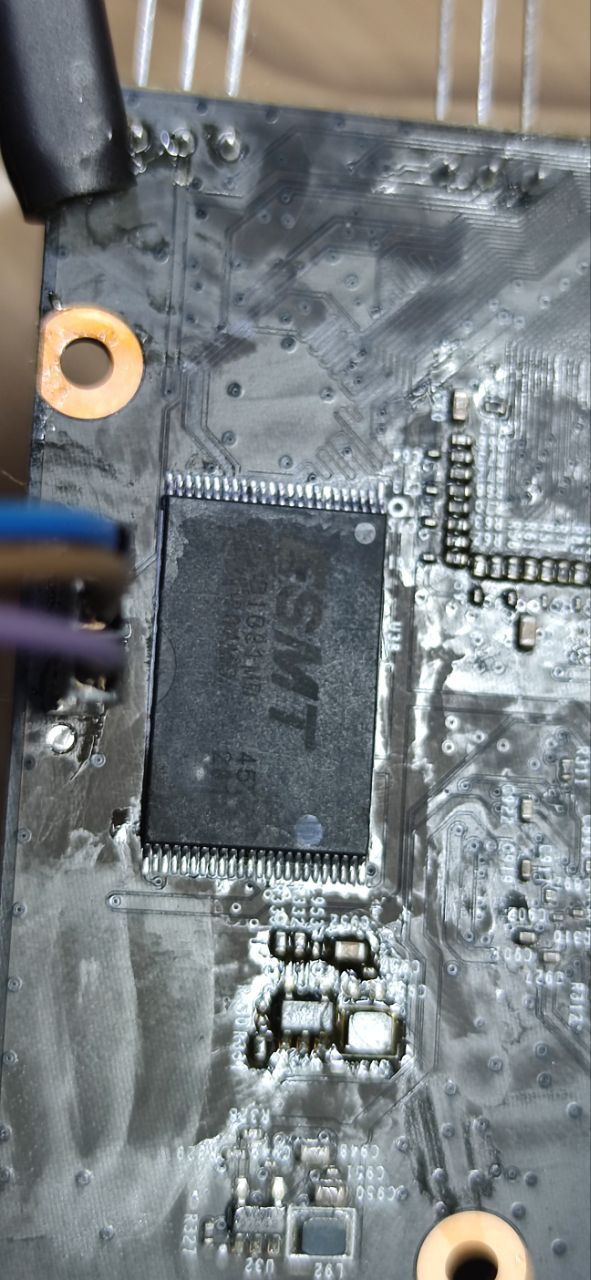
固件倒是刷成功了,但是焊回去后,路由无法开机,看上去焊接的没有问题,估计是热风枪把路由器主板搞的太热,把某个元器件搞坏了吧,毕竟是我第一次用热风枪。
于是从闲鱼二手买了一个同款路由器,重新刷机。之所以买同款,是因为这台路由器整体的硬件配置和价格真的是超高性价比啊。
这次吸取了之前刷机时对于官方文档中不确定的命令参数不懂硬上的教训,所以记录一下整个刷机过程。
大概过程是:
- 破解获取SSH权限
- 刷入临时 Openwrt 固件到 mtd12,设置下次引导到 mtd12,重启
- 刷入扩容后的分区表到 mtd1,刷入魔改后的不死 uboot 到 mtd7
- 断电
- 按住 reset 键,上电,电脑网线连接 LAN 口,手动配置路由 IP 为 192.168.1.4/24
- 访问 uboot 的 web 界面,192.168.1.1,刷入最终的 Openwrt 固件
所有涉及到的固件都在这里: https://pan.baidu.com/s/1341uqxZab8om_YL9UEJpAA?pwd=2333
破解
小米在旧的固件上不知道是故意留的后门,还是真有漏洞。第一步就是通过路由器管理界面的升级功能,降级固件到 1.0.16。
之后需要准备一台 OpenWRT,我这里正好有个闲置的刚好拿来用。
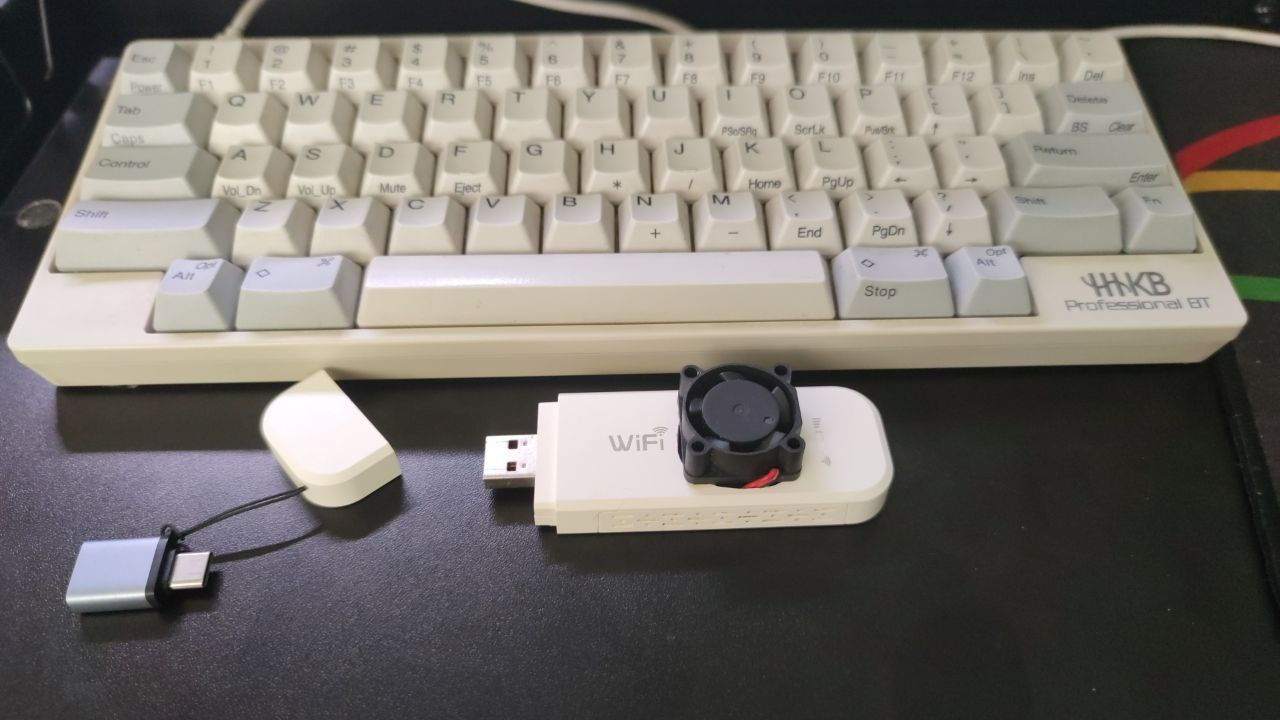
把这台 OpenWRT 的 LAN 口 IP 设置为 169.254.31.1,然后关闭 DHCP。
之后把 PC 端修改为 169.254.31.22/24(这里官方文档是错误的)。
完成生效后,登陆这台路由器的 SSH,创建文件 /usr/lib/lua/luci/controller/admin/xqsystem.lua,内容为:
1 | module("luci.controller.admin.xqsystem", package.seeall) |
保存后,这时你用电脑访问 http://169.254.31.1/cgi-bin/luci/api/xqsystem/token 就能看到上面脚本文件中 result 变量的输出内容了,这个就是一会需要注入到 Redmi AX6 路由的代码。
可以看到我们注入的代码做了这么两个工作:
- 修改 root 用户密码为 admin
- 启动 ssh 服务
准备工作完毕,下面正式开始破解。
PC 清空之前的 IP 设置,改为自动获取,使用网线连接 Redmi AX6(之所以用网线,是因为破解使用的是路由无线中继中的漏洞,如果用 wifi 连接,在破解过程中会脱离与路由器的连接)。
登陆 Redmi AX6 网页界面后,可以看到 URL 中有一个 stok 的值,我们复制出来备用(这里假设是 aaabbb)。
假设我们之前准备的 OpenWRT 路由的 WiFi 名是 ety001op,密码是 12345678。
构造下面两条URL,然后浏览器依次访问
1 | http://192.168.31.1/cgi-bin/luci/;stok=aaabbb/api/misystem/extendwifi_connect?ssid=ety001op&password=12345678 |
第一个 URL 是让 Redmi 去连接我们准备的路由器,第二个 URL 就是让 Redmi 获取要注入的代码。
下面我们 ssh root@192.168.31.1 就能连接到 Redmi 的终端界面了,密码是 admin。
至此破解结束。
刷入临时 OpenWRT
进入 Redmi 的终端后,如果你想备份下,可以执行下面的命令备份相关的分区
1 | dd if=/dev/mtd1 of=/tmp/mtd1.bin |
具体的分区情况,可以通过这条命令查看
1 | cat /proc/mtd |
一般备份下 ART 分区,uboot 分区。
因为 Redmi AX6 是双系统,mtd12 一个系统,mtd13 一个系统。
我们要合并的是 mtd12, mtd13, mtd14(overlay分区),因此我们需要先确认下我们目前是启动的哪个分区的系统(一般情况下出厂都是 mtd13 分区的系统)。
1 | nvram get flag_boot_rootfs |
这是对照表
1 | mtd12 "rootfs" 0 |
如果你看到你输出结果是 0,那么你现在用的是 mtd12 的系统,你需要先切换到 mtd13 系统去
1 | nvram set flag_last_success=1 |
我们必须确保自己是在 mtd13 分区的系统中
下面刷入临时系统(固件xiaomimtd12.bin)到 mtd12 分区,同时设置下次启动 mtd12 分区
1 | mtd write /tmp/xiaomimtd12.bin rootfs |
如果一切顺利,重启后,你 PC 的 IP 地址会获取到 192.168.1.0/24 段的,访问 192.168.1.1 可以顺利打开 OpenWRT 登陆界面。
扩容并刷入Uboot
我们重新登陆 SSH,ssh root@192.168.1.1,这个临时 OpenWRT 密码为空。
通过工具把 ax6-uboot.bin 和 ax6-uboot-mibib.bin 两个文件传入到路由器 /tmp 目录里。
扩容前打印下分区表,确认 mtd1 和 mtd7 存在
1 | cat /proc/mtd |
确认后,顺次执行下面的命令,擦除分区并写入
1 | mtd erase /dev/mtd1 |
等待执行成功。
断电
分区修改后,记得一点要 断电。
分区修改后,记得一点要 断电。
分区修改后,记得一点要 断电。
刷入最终的系统
剩下的操作就简单了,只要能顺利进入 Uboot,以后刷机就简单了,也不用担心变砖了(理论上 factory 的固件都可以刷)。
进入 Uboot 的方法基本上都一样,就是在断电的情况下,按住 reset ,上电。
Redmi AX6 指示灯会先蓝灯闪烁,然后变黄灯,这时松开 reset ,电脑上手动配置 IP 为 192.168.1.2/24。
进入 Uboot 的 Web 界面 192.168.1.1,选择最终固件 openwrt-ipq807x-generic-redmi_ax6-squashfs-nand-factory.ubi ,刷入,重启,成功!